Find out about social media age restrictions for Australians under 16. Learn more

Critical thinking: Deciding what to trust in a world of AI, scams and fake news

The online world is an open platform where anyone (including AI bots) can create and share almost anything – good and bad. Find out how you can use critical thinking to work out what’s real, true, safe and responsible.

In short:

  • Most online content is not checked - this means it can be inaccurate, fake, or designed to influence, mislead or manipulate you.
  • Questioning content online helps you spot misinformation, tricks and pressure before you accept, click or share. This is critical thinking.
  • By stopping and asking the right questions, you can make smart choices about what you engage with, believe, buy and do.
  • The more you use your critical thinking skills, the more power you have over your feed, your info, who you trust, and how you impact others online.

What is critical thinking?

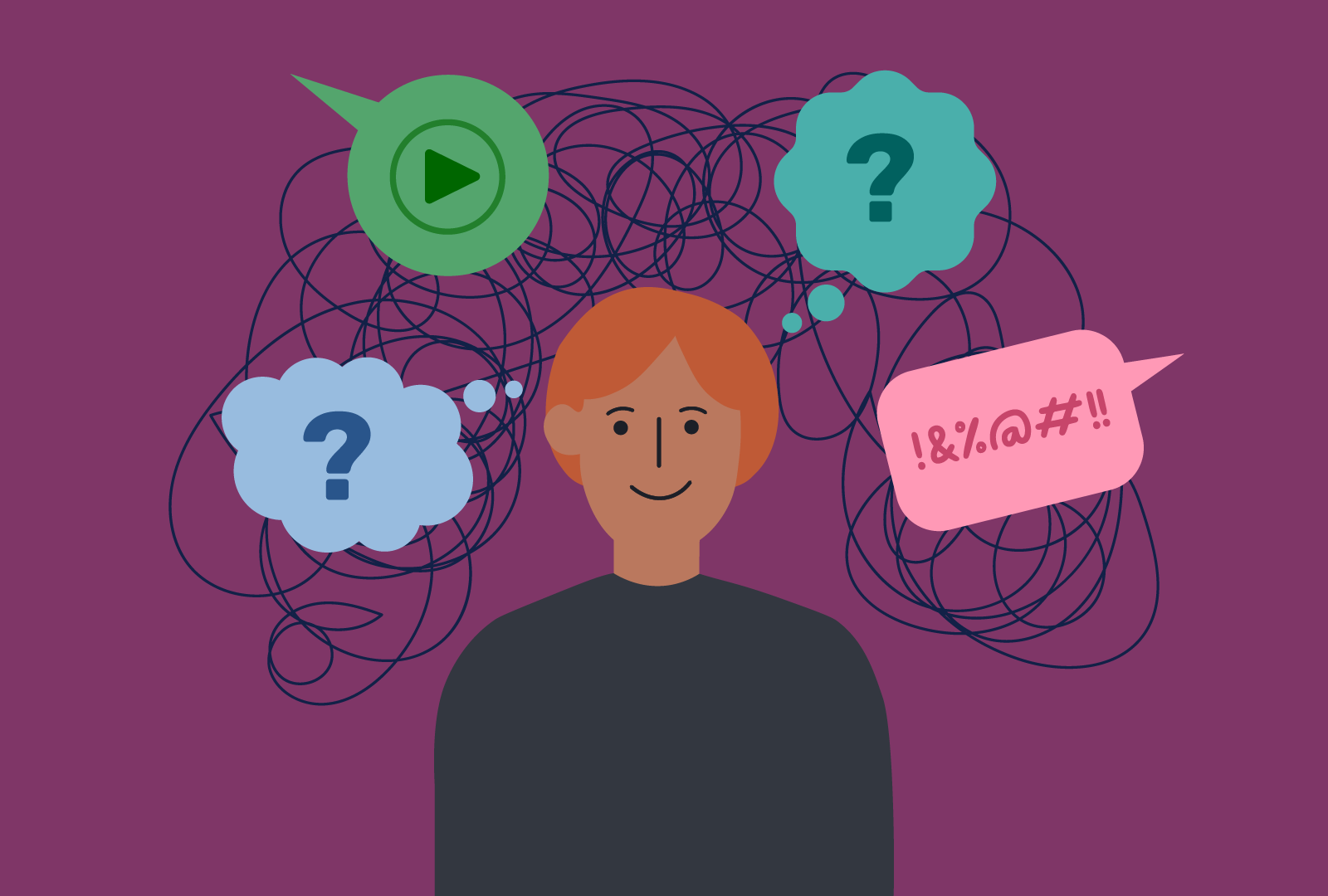
Critical thinking means questioning and checking what you read, see and hear online, instead of accepting it straight away. It’s about slowing down, looking closer, asking the right questions and making decisions based on evidence, not pressure or emotion. 

Learning to be a critical thinker is part of building ‘digital literacy’ – the set of skills that help you use digital tools to find, evaluate, create and communicate information safely and responsibly. It also builds 'digital resilience', which helps you keep a healthy balance online, solve problems, know when to seek help, and bounce back from tricky situations.

Why critical thinking matters

Everything we read, watch and share online can influence what we think, how we act and who we become. So it’s important to use critical thinking to make good choices – whether you’re scrolling a feed, gaming, messaging with others, checking news, searching for info, looking for inspiration, watching videos, shopping, using AI, creating your own content or just hanging out online. 

Critical thinking helps you:

  • understand whether online content is fact or just opinion
  • judge whether a story, video, image or profile is real or fake
  • spot hidden ads, scams, misinformation (wrong info shared by mistake) and disinformation (false info shared on purpose)
  • recognise risky behaviour
  • work out when someone is trying to influence your opinion, manipulate you into spending money, or trick or cheat you
  • decide who and what to trust, and what to share with others
  • protect your safety, wellbeing and reputation.

It’s also useful to remember that our online experiences are shaped by algorithms, the set of rules that platforms use to decide what content to show you. They’re typically designed to keep you engaged, so they serve up more of what you’ve already searched or clicked on. This can trap you in an echo chamber that limits what you see and experience, and can warp your point of view. Using critical thinking to make choices of your own helps you regain control and break free.

Tips for working out what to trust online
Look for red flags

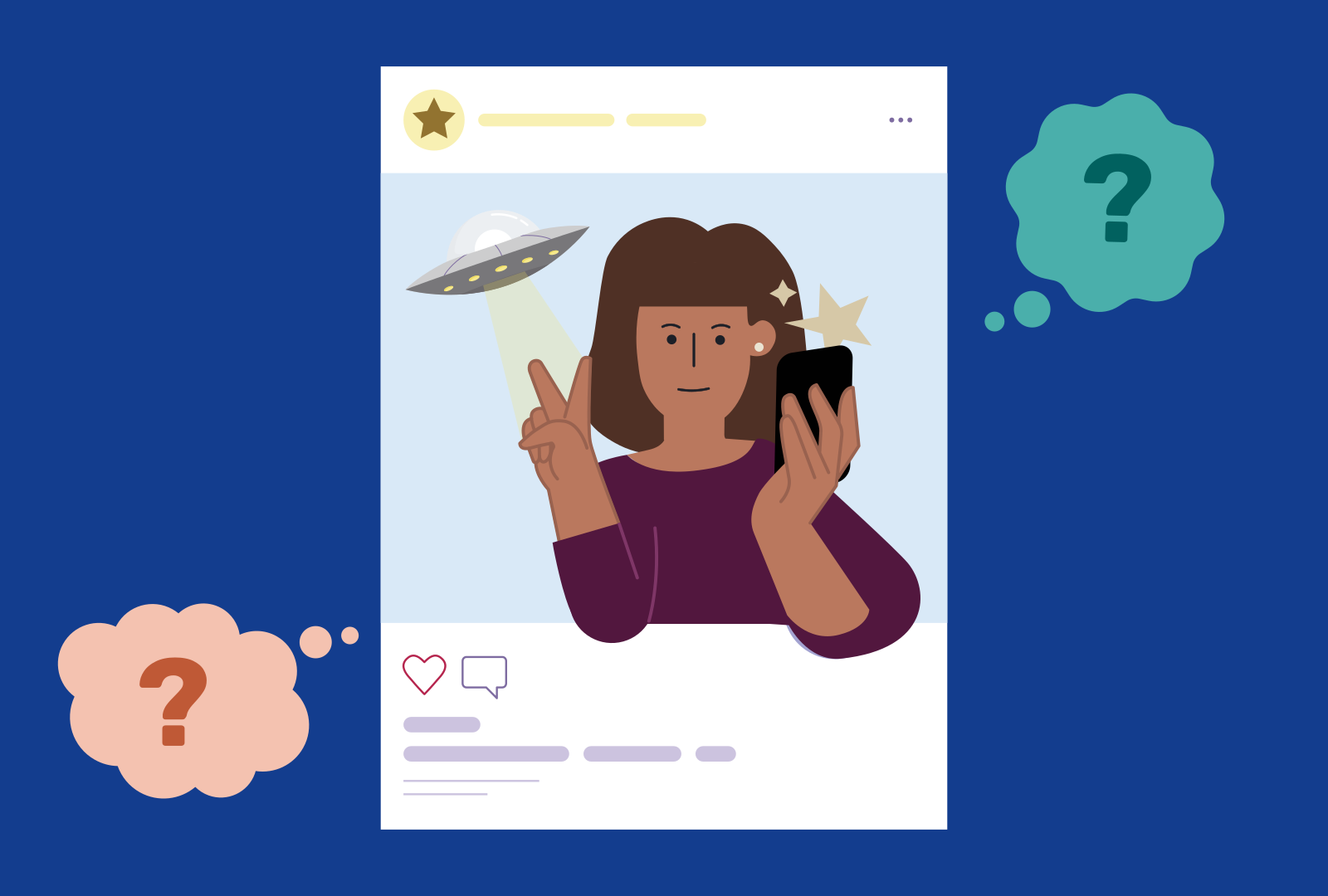
Thinking critically is always important but particularly when something just doesn’t feel right. It means slowing down so you notice ‘red flags’ or warning signs. Here are some examples:

  • Emotive, dramatic headlines, including writing in ALL-CAPS – tactics typically used to get clicks (clickbait) or provoke a response.
  • Over-the-top promises or claims – if something sounds too good to be true, it usually is. Trust your gut.
  • A sense of urgency – scammers and other people seeking to manipulate you will try to rush you into making a poor decision.
  • No evidence to back up what’s being said – real facts come from widely-trusted sources or are supported by other reliable opinions.
  • Images or videos that seem ‘off’ – perhaps they appear to be edited or filtered, or show someone in an unlikely situation.
  • Suspicious email addresses, account names or links – especially if the message or post is asking for money or personal information.
Stop. Think. Check.

By pausing to process what you’re seeing or hearing and asking the right questions, you can break down almost anything online and work out likely risks. This includes videos, photos, memes, ads, posts and even private messages. Use this simple 3-step method, especially if something seems too good, surprising, pushy or scary.


  1. Stop

    Stop before you accept, share or respond, especially if you’re being asked for personal details, or private images or videos, or to click a link. The same goes for content you create or post. Slowing down empowers you to make smart decisions.


  2. Think

    To help you judge how reliable a piece of content is, ask yourself:

    • Who made or posted this? Are they trustworthy? Could they be making money or gaining something else from it?
    • What’s their goal? Are they trying to inform me, entertain me, persuade me to believe something, or sell me something?
    • Does it sound believable? Or is it too surprising, or over the top?
    • Is the writing weird? Is the spelling odd or does the message seem like it could be for someone else, not just me?
    • How does it make me feel? Scared, excited, angry?
    • What do they want me to do next? Share, buy, click, respond?
    • Is it ‘urgent’? Is someone trying to make me act quickly?
    • Is anything missing? Is there another side to the story?
    • Does the image or video seem ‘off’? Is it blurry, miscoloured, altered or edited?
      Is it safe to share or will you regret it later? Could it hurt someone, be misused or affect my reputation?

  3. Check

    Can you find information to confirm or back up what’s being said or shown?

    • Verify the sources – Does the person speaking or quoted have direct experience or evidence to back their claims?
    • Look up the writer or content creator – Search their past work, their social media. Are they real? Are they known for accurate info?
    • Check the date – Is it current or recently updated? Old posts can get recirculated.
    • Do your own research – Look outside your feed and search beyond the first result, compare what others are saying, and check if there’s more evidence for any ‘facts’.
    • Visit official sites, trusted organisations – For example national or state news outlets, government websites, fact-checking sites like factcheck.org or Snopes.
    • Use reverse image tools – Tools like Bing Images, Google Images or TinEye can show you where an image came from, or whether it’s reused or edited.
    • Look for signs of AI – It’s getting hard to tell if something is a deepfake just by looking at it, but check for weird facial expressions, strange blinking, mouth not syncing, inconsistent lighting or colour, background glitches, overly-smooth skin.
    • Review context – ‘Context’ is what you already know or have found out about a topic or person. Is it likely that what’s happening or being said is real? Is the person saying or doing something that goes against their usual view or behaviour?

In an ideal world, we’d all learn about managing the pressures of social media before starting to use it – that’s why Australia has age restrictions for under-16s. But no matter what age you are, or what you’ve experienced so far, remembering to think critically while on socials can help you:

  • Keep your feed balanced, not controlled by algorithms – find out how.
  • Think twice about posts or profiles – are they unrealistic, could they be filtered, edited or fake?
  • Ask yourself about the possible motives of people who contact you, especially if they want you to spend money, share personal information, send nudes or get sexual in a video call – check our unsafe contact page.
  • Avoid content that promotes unhealthy ideals or comparisons or makes you feel bad about yourself or your body.

AI-driven apps and tools can make information seem real and trustworthy even when it’s ‘AI slop’ (low-quality AI-generated content which often contains errors). It’s also important to remember:

  • AI can ‘hallucinate’ (make things up) and sound certain even when it's making mistakes.
  • AI can produce content with biases and stereotypes because of the content and data it was trained on.
  • AI companion apps can make you feel like you’re in an exciting or supportive relationship, but can lead you to harmful content, and give you dangerous advice.

Thinking critically helps you:

Notice when a video or voice clip might be AI-generated, altered or a deepfake.

  • Work out whether an AI search engine summary is complete, up-to-date or reliable.
  • Check if trusted websites support AI 'facts' or claims provided by chatbots or other AI tools.
  • Avoid being misled by fake AI profiles, videos, or AI-generated advice.

Would you get caught out?

It’s easy to fall into online traps. But remembering to look out for red flags and Stop, Think, Check, whether you're watching videos, searching for information, scrolling through posts, chats and messages, or using AI tools, will help you avoid the most common ones. 

Test your critical thinking skills with these examples and then put them into practice in real life. 

Click or tap on the '+' to reveal the red flags and what you could do.

Red flag? They ask for your bank details or verified photo ID.
Critical thinking step: You check the company through official websites – it doesn’t exist.

Red flag? Lighting, angles or filters look suspicious.
Critical thinking step: A reverse image search shows the same photo in five different ads. It’s a fake claim.

Red flag? No sources are given, and the information seems out of date.
Critical thinking step: You check a few trusted resources and realise it’s incorrect. The AI-tool is hallucinating or has been fed old, inaccurate data.

Red flag? You recognise the account name but they're asking you to click a link and share your password.  
Critical thinking step: You message your friend and learn their account was hacked.
 

Red flag? It looks genuine – no obvious blurring, but their behaviour seems out of character.
Critical thinking step: You check trusted news sites – if it was real more than one source would report it. There’s nothing.

Red flag? All-caps, dramatic claim, no science and pushy sales tactics.
Critical thinking step: You look for reliable health websites and find there is no evidence to back it up and the influencer is being paid to promote the product.

Red flag? It’s written and signed off in a way that doesn’t feel right and is asking you to transfer money.
Critical thinking step: You remember urgency + emotion = a common scam tactic. You call your mum and find out it wasn’t her. 

Red flag? They quickly start asking you very personal questions and want you to move your chat to a messaging app.
Critical thinking step: You pause and think about what their real motives could be and how it’s making you feel uncomfortable. You decide this is unsafe contact.

Red flag? The video shows your classmate dancing like they’re drunk. You think it’s hilarious and can't wait to share it and see people’s reactions -  you hope it goes viral!
Critical thinking step: You realise you haven’t stopped to think about how they'd feel, how others might treat them, and how it could even hurt their chances of a job later in life. You know you would be really upset if that happened to you, so you delete the file.
 

Building your digital resilience: how to bounce back

Everyone can have a bad experience or make a mistake online. What matters most is how you deal with that, what you learn, and realising the situation can get better.

Becoming a critical thinker is a big part of building ‘digital resilience’ – your ability to protect your wellbeing online and cope with tough situations. Digital resilience grows over time. Every challenge you face and work through builds your confidence, problem-solving skills and emotional strength. It’s a positive that comes out of a negative.

An important step is reminding yourself that it’s OK to reach out for help instead of trying to cope on your own. You’re never alone.

If you’re unsure about something or feel stressed, pressured, confused or unsafe online, you can:

Other useful resources

Understanding news media

Developing resilience