

Spotlight on cyberbullying

Explore the resources on this page to help you develop a whole-school approach to cyberbullying.
This spotlight on cyberbullying includes links to a range of resources across the eSafety website and includes downloadable material created to help your school community prevent and respond to cyberbullying.
This page has been developed in collaboration with NSW Education Sectors and representatives from eSafety’s National Online Safety Education Council.
On this page:
Stay up to date
Sign up for the latest online safety news and resources for educators.
Report cyberbullying
No one deserves to be bullied online. You can help a student follow the steps to report cyberbullying, or report on their behalf if they have said it is OK to do so.
Taking a whole-school approach
School staff can learn how to prevent and respond to cyberbullying in schools through a whole-school approach to online safety education.


Research reports
Explore eSafety's research explaining the experiences of children and young people online:
- Youth engagement and online safety: In this report, young people share their recommendations and vision for the future.
- The keeping kids safe online survey: The initial findings reveal that more than half of children in Australia have been cyberbullied and most have encountered content associated with harm online.
- Mind the gap: This research explores the opportunities and risks that the internet presents for children in Australia.
- The digital lives of young people with disability: In this report, young people with disability share their online experiences. The research also considers the digital parenting practices of their parents or carers.
- Online experiences of Aboriginal and Torres Strait Islander children and their parents and caregivers: This research explores the positive and negative online experiences of Aboriginal and Torres Strait Islander families.
- The digital lives of young LGBTIQ+ people: In this report, LGBTIQ+ teens share how they negotiate connection, express themselves and deal with harm online.
Professional learning programs
Explore our free professional learning and initiatives designed for educators working with children and young people, in addition to support for education sector leaders.
On-demand professional learning is also available for Catholic, Government and Independent education sectors’ learning management systems or intranets.
Contact educationsectors@esafety.gov.au for more information if you would like to arrange on-demand learning for your education sector.
Professional learning modules for lower primary teachers
Take a look at our self-paced short modules for lower primary school educators teaching online safety and preventing cyberbullying.
Classroom resources
A variety of content is available for different education levels. Choose those most relevant to the needs of your students and context:
- Access the cyberbullying fact sheet and scenarios to support teaching and learning.
- Sign up to Virtual Classrooms for Years 3 to 6 students for the National Week of Action, Child Protection Week and Safer Internet Day.
- Look at our primary and secondary classroom resources. (Please be aware: These resources were created before the introduction of social media age restrictions for under-16s and are being updated. Find out more at eSafety’s What do the social media age restrictions mean for educators)
Responding to cyberbullying
Resources for educators, school leaders and students when responding to cyberbullying.


Content and posters for schools
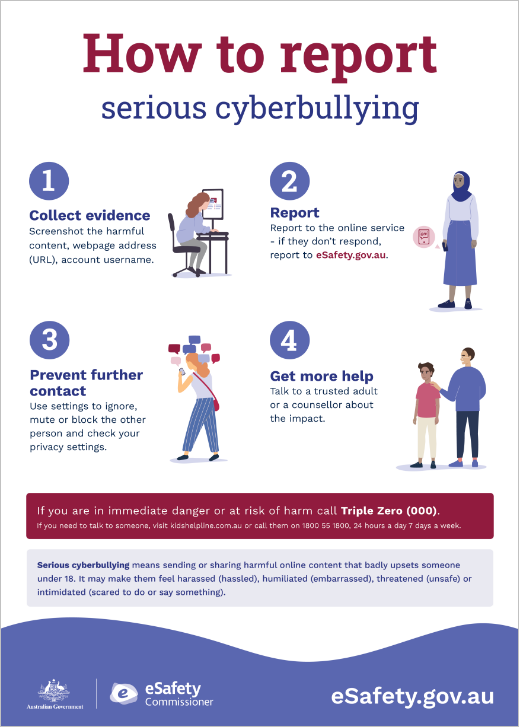
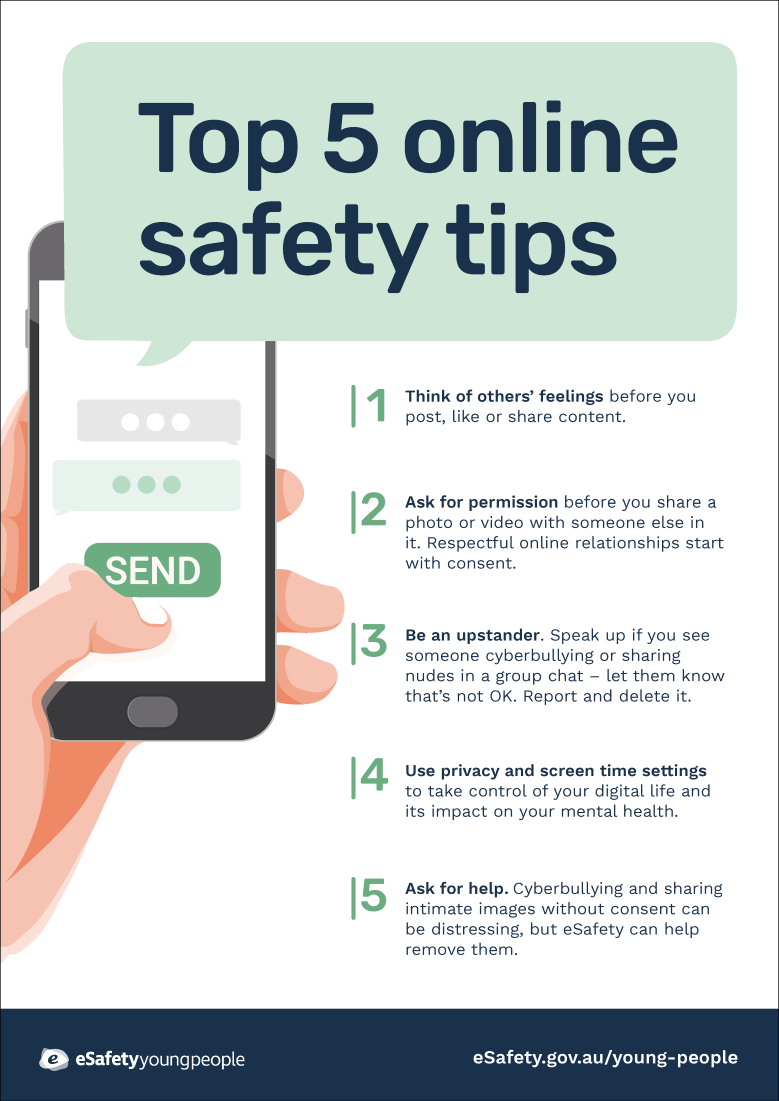
The content in our kits and posters can help you talk to your school community about cyberbullying. These kits include preventative strategies and advice on where to get help when things go wrong.
Social media kit
This kit includes suggested posts and images to share on your school's social media channels.
Newsletter and website kit
This kit includes suggested articles and images for your school's newsletter or website.
Posters
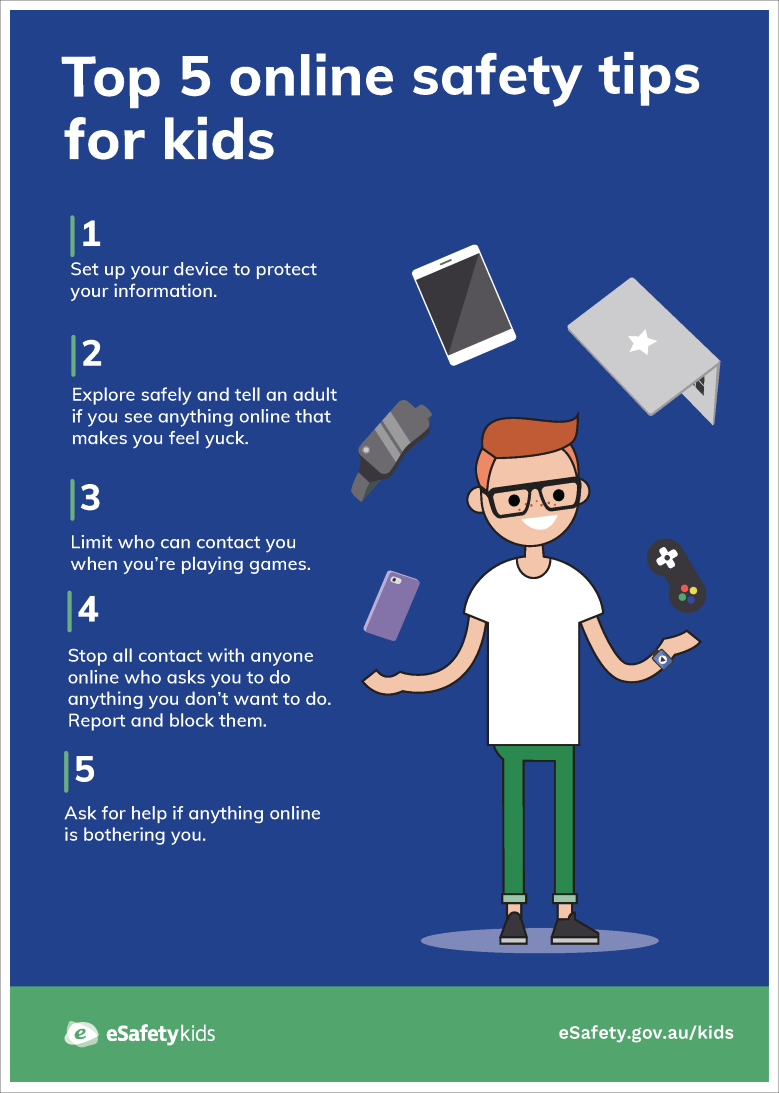
Download and print these posters to share around your school.
Resources for children and young people
The eSafety website has dedicated pages for kids and young people to explore advice and topics important to them.
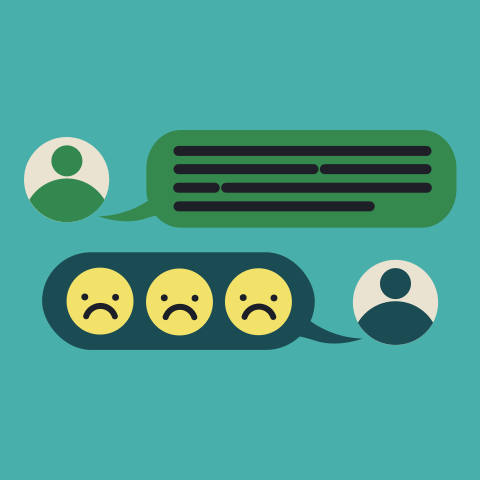
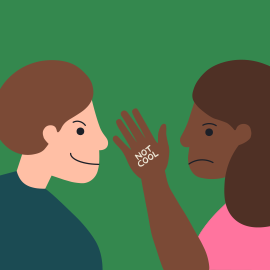
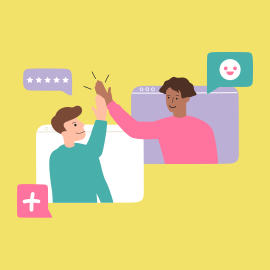
The Kids section includes information and support to prevent and respond to cyberbullying. For example:

Parent and carer support

eSafety has a dedicated Parents section with resources and advice to help parents and carers with online safety issues and strategies to support their child. Some resources include:
- Cyberbullying guide: This page helps parents and carers understand how they can help their child if they are being bullied. You can also download and print our cyberbullying quick guide, which has key information and advice, as well as help in Easy Read formats for people with low literacy, or with intellectual or cognitive disability.
- Online Safety for Every Family: These resources include short videos and easy-to-read advice sheets to encourage parents and carers to start and continue conversations with their children about online safety. There are tips about how to stay safe online, and important information about what to do if something bad happens online. The resources are available in more than 10 languages.
- Webinars: These live webinars give parents and carers the knowledge, skills, and tools to support their children to have safe online experiences.
Help your students get more support
Kids Helpline
5 to 25 year olds. All issues. Confidential phone counselling available all day, every day. Online chat available 24/7, 365 days a year.
Headspace
12 to 25 year olds. All issues. Phone counselling and online chat available 3pm to 10pm AEST, every day.
Social media changes
- As of 10 December 2025, Facebook, Instagram, Kick, Reddit, Snapchat, Threads, TikTok, Twitch, X and YouTube are required to take reasonable steps to prevent Australians under 16 from having accounts on their platforms. See the latest list.
- Under-16s are still allowed to see publicly available social media content that doesn’t require logging into an account.
- Schools may need to explore alternative methods for communicating with parents and students.
- There are exclusions for a number of platforms, including educational tools such as learning management systems. For example, Google Classroom will not be age restricted.
- YouTube videos that can be seen without logging into an account can still be shared by teachers.
- For further guidance, including whether educators will be able to use their own accounts to share age-appropriate education materials, please refer to school or education sector policies and procedures.
Find out more at eSafety’s What do the social media age restrictions mean for educators.
Last updated: 19/02/2026