

The Internet and the Law
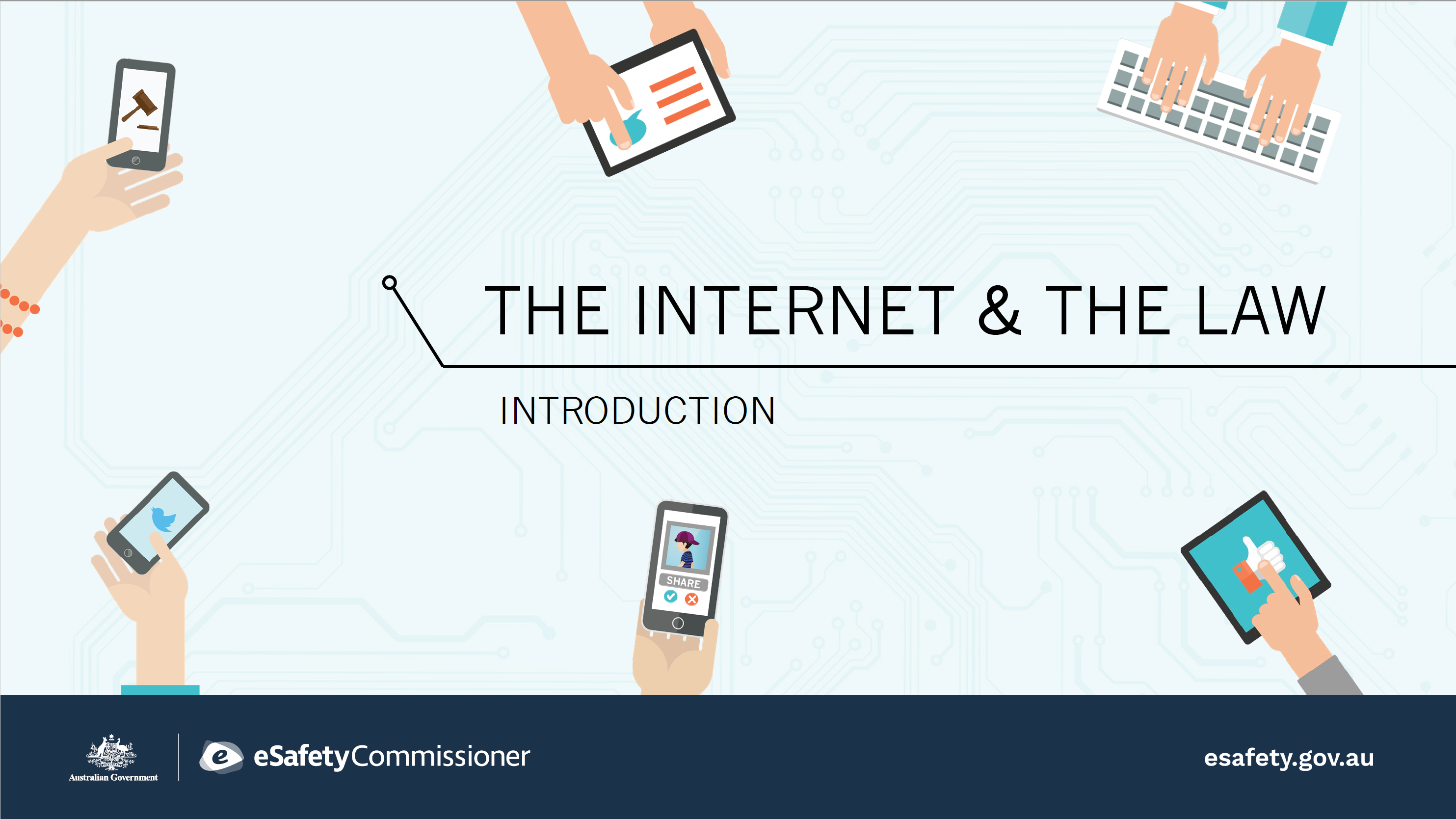
About this resource
Target audience
Level
Lower secondary, Middle secondary, Upper secondary
Keywords
Type of resource
Slide deck, Lesson plan
Timeframe
40 to 50 minutes
Australian curriculum
Key learning areas
General capabilities
Please be aware: These resources were created before the introduction of social media age restrictions for under-16s and are being updated. Find out more at eSafety’s What do the social media age restrictions mean for educators
Using this resource
The slide deck can be presented in its entirety with the introduction and the 3 case studies. Alternatively, you may wish to combine the introduction with one or more of the case studies.
- The Internet and the Law - introduction
- Case Study #1 Sexting - taking, sending and distributing nude pics
- Case Study #2 Making Threats
- Case Study #3 Defamation
Topic: Internet and the Law
Download materials:
Other media:
Our Video library has a range of other resources to suit your classroom needs.
Australian Curriculum outcomes
Australian Curriculum links
Digital technologies (Years 9 and 10) Create interactive solutions for sharing ideas and information online, taking into account safety, social contexts and legal responsibilities.
Civics and Citizenship (Year 8) The types of law in Australia, including criminal law and civil law, and the place of Aboriginal and Torres Strait Islander customary law.
Health and Physical Education (Years 9 and 10) Investigate how empathy and ethical decision making contribute to respectful relationships.
Social media changes
As of 10 December 2025, many social media platforms are not allowed to let Australians under 16 have an account. Under-16s are able to see publicly available social media content that doesn’t require logging into an account.
What you need to know:
- Educators need to be aware that age restrictions may apply to platforms they currently use for educational purposes and to communicate with their school community.
- Facebook, Instagram, Kick, Reddit, Snapchat, Threads, TikTok, Twitch, X and YouTube are required to take reasonable steps to prevent Australians under 16 from having accounts on their platforms. See the latest list.
- Find out more about the exclusions for educational tools such as learning management systems.
- Schools may need to explore alternative methods for communicating with parents and students.
- For further guidance, including if educators will be able to use their own accounts to share age-appropriate education materials, please refer to school or education sector policies and procedures.
Find out more at eSafety’s What do the social media age restrictions mean for educators